Recurring payments that collect themselves

Recurring payments let you charge a customer automatically on a set schedule, such as every month, without asking them to pay each time. The customer agrees once, their card or bank account is saved securely, and the gateway runs the charge on the date you choose.

Get Started
Recurring payments that collect themselves
Choosing the right Point-of-Sale system helps streamline your business and increase revenue

Why businesses switch to recurring billing

Made for gyms and fitness studios, membership clubs, property managers, schools and tutoring, salons with packages, medical and dental payment plans, contract services, and subscription businesses.

What's included

Everything you need for automatic billing

• Weekly, monthly, quarterly or yearly billing
• Card or ACH bank payments
• Fixed plans, installment plans and custom amounts
• Secure saved cards and bank accounts for repeat customers
• Easy changes: pause, skip, update the amount or the card
• Email receipts for each payment
• Automatic retries and expired-card updates
• Failed-payment alerts so you can follow up quickly
• Works with your website through the CashNet gateway and API

Everything you need for automatic billing

How it works

Set it up once, then let it run.

1

Create a plan

Pick the amount, how often to charge (weekly, monthly, yearly) and the start date.

Step-by-Step Walkthrough
2

Your customer signs up once

They enter their card or bank account on a secure form or invoice. It's saved by the gateway, not on your computer.

Enter the sale amount
3

Payments run automatically

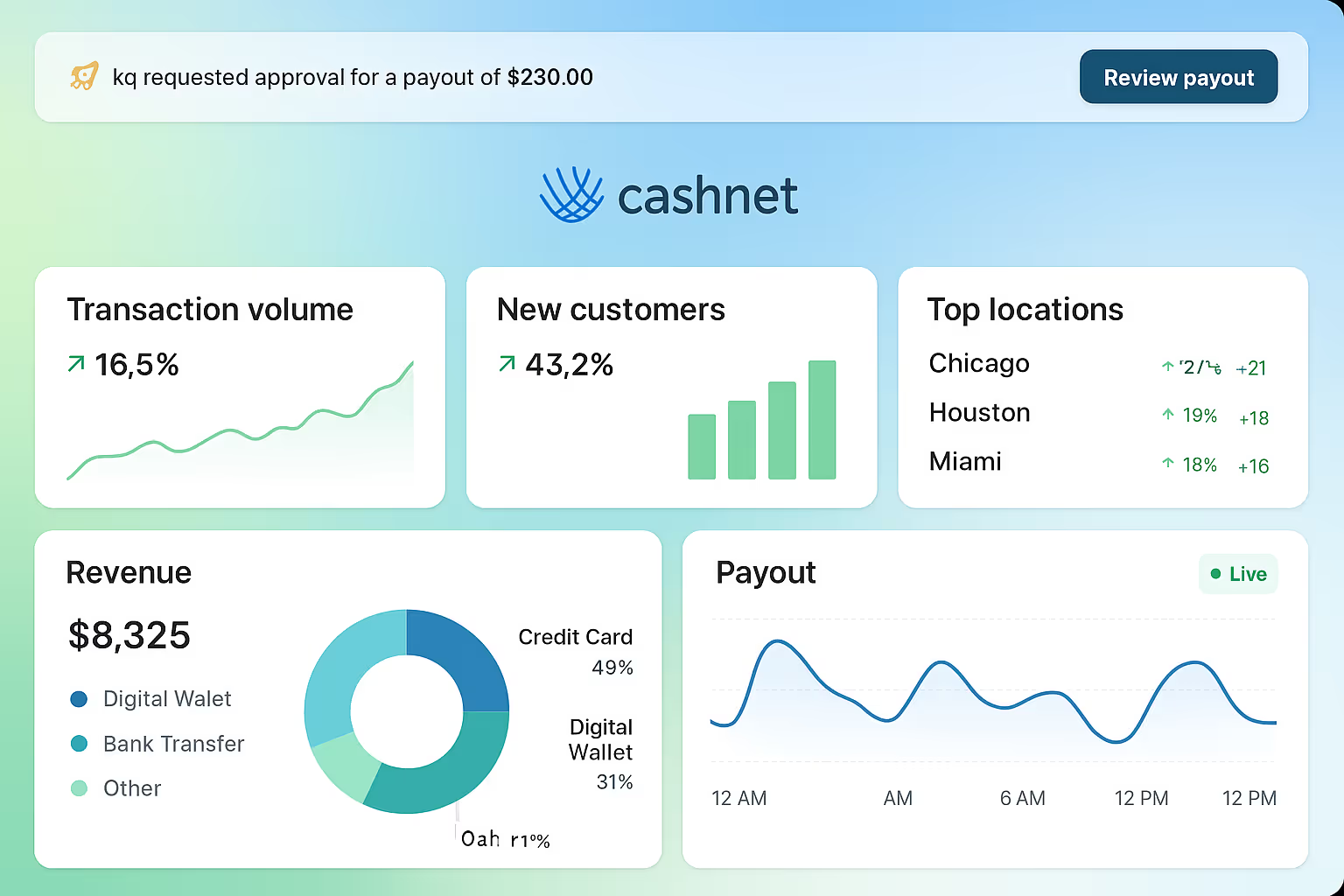
Each charge is processed on schedule, and you see every payment in your dashboard.

1

Create a plan

Pick the amount, how often to charge (weekly, monthly, yearly) and the start date.

Enter the sale amount
2

Your customer signs up once

They enter their card or bank account on a secure form or invoice. It's saved by the gateway, not on your computer.

Enter the sale amount
3

Payments run automatically

Each charge is processed on schedule, and you see every payment in your dashboard.
Enter the sale amount

Frequently Asked Questions

Straight answers about recurring billing.

What is the difference between recurring payments and autopay?

They are the same idea. Recurring payments (also called recurring billing or autopay) charge a customer automatically on a set schedule after they agree once.

Can I use recurring billing with ACH?

Yes. You can bill a bank account instead of a card, which often costs less for larger monthly amounts.

What happens when a card expires or is declined?

The gateway can retry a declined payment automatically and update expired cards when the card's bank provides the new details. If a payment still fails, you get an alert so you can ask the customer for another card.

Is it safe to store customer cards?

Cards and bank details are saved by the gateway in a secure vault, not on your computer, so your business doesn't have to store sensitive data.

Can customers cancel?

Yes. You can pause or stop any plan from your dashboard. We recommend stating your cancellation terms clearly when customers sign up.

Stop chasing payments

Start your application or talk to our local team in Glendale. Call 877.588.2657.

Stop chasing payments